





Personal Debit Card

Debit Cards: The faster, easier way to pay.

Use your Hancock Whitney Visa® debit card on everyday purchases for quick, secure transactions.
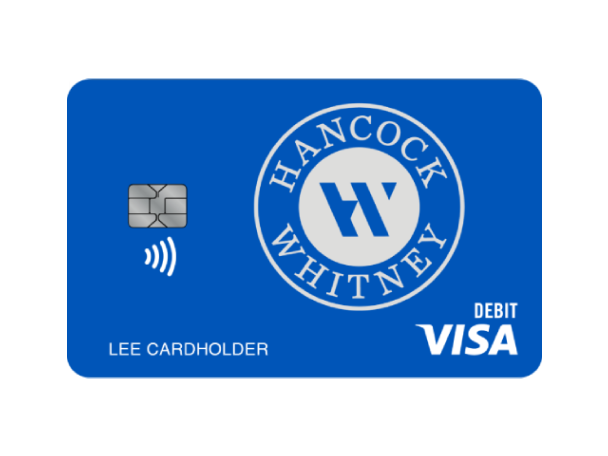
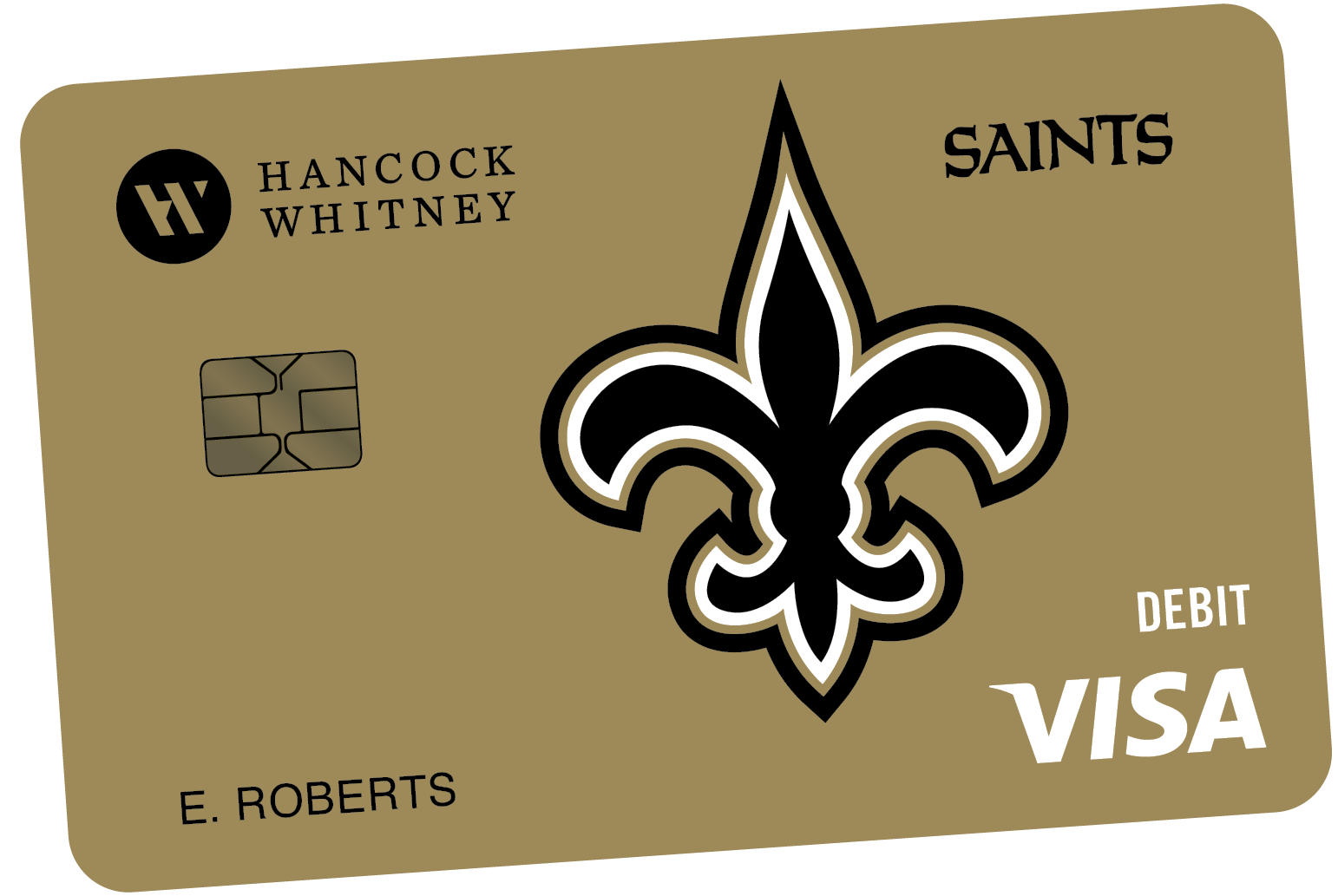
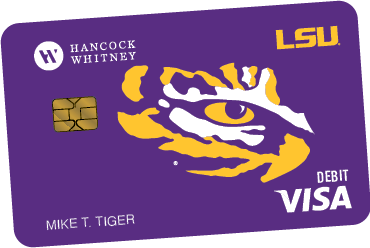
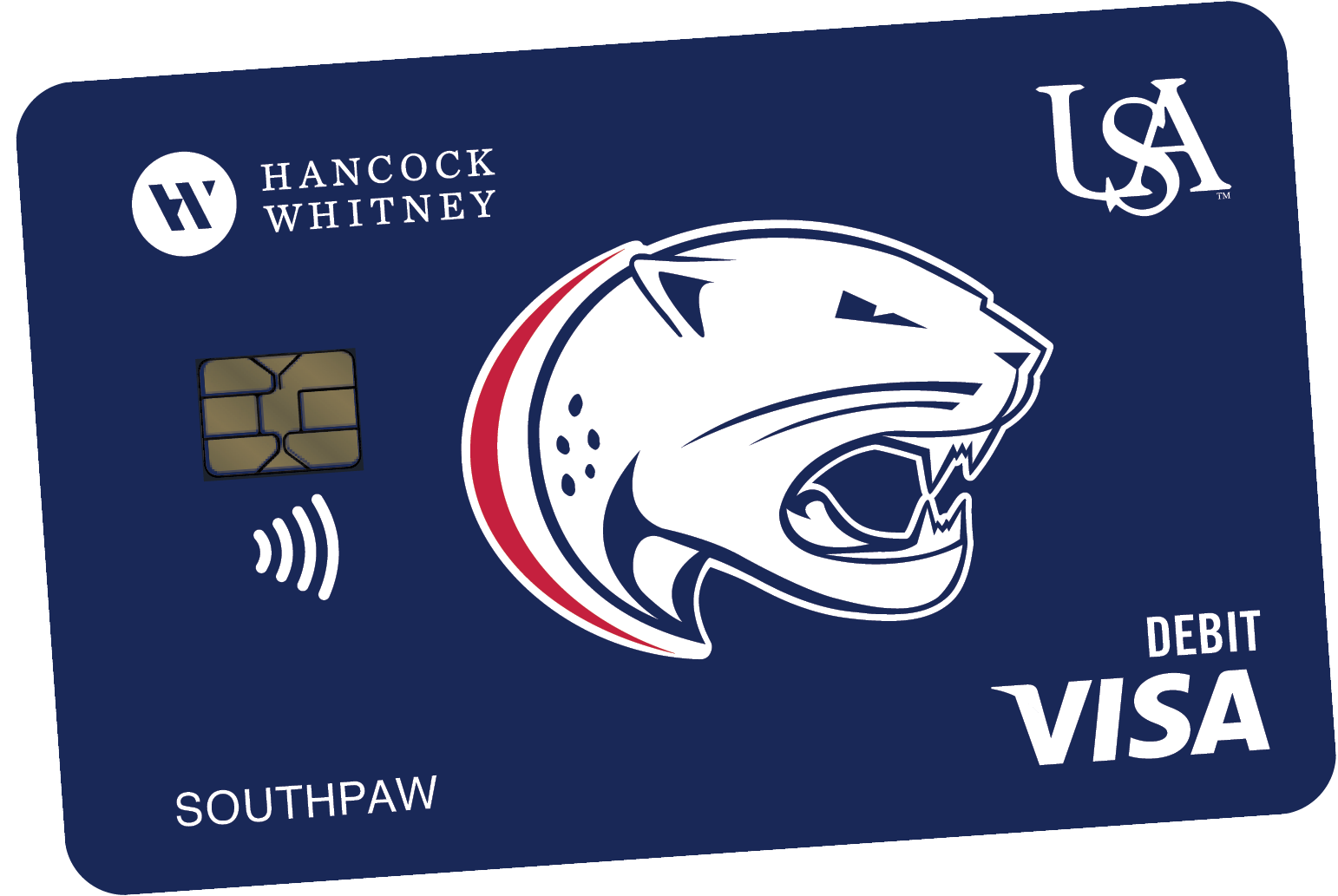
Hancock Whitney personal debit card

Using your debit card is
convenient & secure


Tap to Pay

Use your contactless Visa card during checkout. It's fast, secure, and easy to use! Learn more about contactless cards.


Easy ATM Access

If you need cash, just use your debit card fee-free at any Hancock Whitney ATM. Visit our locations page to find an ATM near you.


Visa® Zero Liability Policy

Enjoy peace of mind knowing that you won't be responsible for unauthorized purchases if your debit card is lost or stolen.1


Fraud Alerts

We'll notify you the moment we detect suspicious activity on your account. Learn more about fraud alerts.
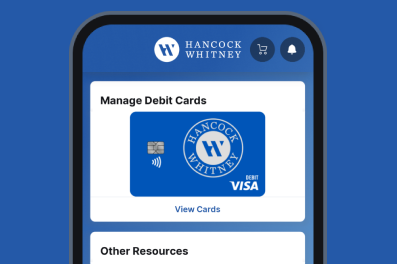
Activating your new debit card in the mobile app

Managing debit cards in the Hancock Whitney mobile app

In the Hancock Whitney mobile app, select "View Cards" under "Manage Debit Cards."
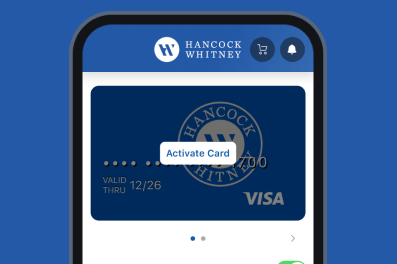
Debit card activation in the Hancock Whitney mobile app

Select "Activate Card."

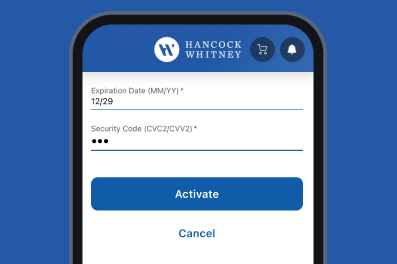
Final step of debit card activation in the Hancock Whitney mobile app

Input the expiration date and 3-digit security code on the back of the debit card, then select "Activate."

Click for full walkthrough.

Activate debit card icon

Have questions about your new debit card?

View Debit Card Q&A
Choose a checking account icon

Considering a new checking account?

View Checking Accounts

How do I protect my account and debit card?

The Hancock Whitney mobile app provides powerful tools you can use to secure your account and debit card.2

Turn debit cards on or off

Turn your debit card on or off as needed. You can also quickly report lost or stolen cards.


Monitor your cards and transactions

Identify where your debit card info is stored online, and get greater insight into every transaction with merchant data.


Create spending limits

Set spending limits based on location, amount, merchant type, and transaction type.


Change your PIN

Change your PIN whenever you need, whether you've forgotten it or want to ensure it's secure.


Discover what you can do with debit card controls in the Hancock Whitney mobile app.

Learn More

 
Woman using her cell phone to set up her debit card controls

Tap to pay for quicker transactions

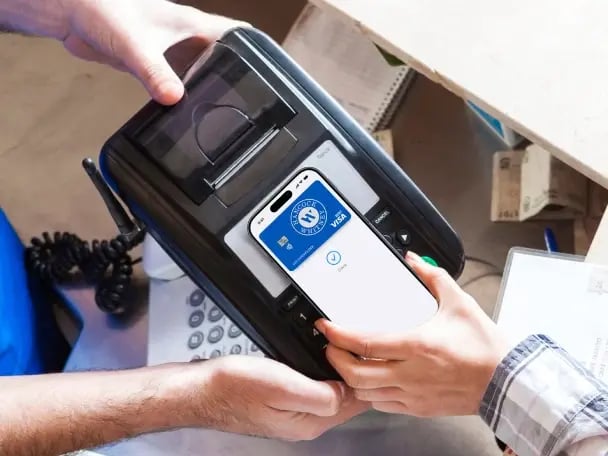
Add your debit card to your mobile wallet and tap to pay for fast, convenient transactions in stores, online and in apps.3

View the demo for how to add your debit card to your mobile wallet.
Learn More

Smartphone used to pay for a transaction through a mobile wallet

Frequently asked questions about Hancock Whitney debit cards

1 Visa Zero Liability Policy covers U.S.-issued cards only and does not apply to ATM transactions, PIN transactions not processed by Visa nor certain commercial card transactions. Cardholder must notify issuer promptly of any unauthorized use. Financial institutions may exclude from the Zero Liability policy a transaction made by a person authorized to transact business on the account and/or a transaction made by a cardholder that exceeds the authority given by the account owner.

2 Debit card controls are not available in the business banking mobile app.

3 Check with your mobile provider regarding message, data rates and usage charges that may apply. While you can link your Hancock Whitney Bank debit and credit cards to any of these convenient payment options, we are not affiliated with nor do we endorse a specific wallet option. If you have any questions about a specific mobile wallet, please contact the payment provider directly.

Apple Pay is a trademark of Apple Inc.

Samsung Pay is a trademark or registered trademark of Samsung Electronics, Co., Ltd.

Android, Google Pay, and Google Play are trademarks of Google Inc., registered in the U.S. and other countries.